
In India, this decision isn’t really optional anymore. AIS-140 made real-time GPS tracking mandatory for commercial vehicles, and AIS-188 tightened the requirements further for national permit vehicles. So the starting point for most fleet operators isn’t “should we track our vehicles,” it’s “which system actually earns its place in our operations, beyond ticking a compliance box.”
That’s the harder question, and it’s the one this blog answers.
A good GPS tracking system tells you whether vehicles are following planned routes, how long they sit idle, where high-value cargo is right now, and whether that cargo has been accessed without authorization. Get the choice right, and you cut fuel waste, reduce theft, and keep delivery promises you can actually back up. Get it wrong, and you’ve bought a dashboard nobody on your team opens.
What a GPS tracking system actually does
A GPS tracking system uses satellite positioning to monitor vehicles, containers, equipment, and other assets. Beyond the live location pin, a modern system gives you route history, geofencing, alerts, maintenance reminders, and reporting in one dashboard, rather than five spreadsheets and a WhatsApp group.
Logistics, manufacturing, retail, construction, and distribution businesses use it the same way: to see problems the moment they happen instead of hearing about them from a customer.
Start with your operations, not the vendor list
Before you look at a single pricing page, define what the system needs to solve for you.
- Are you tracking vehicles, containers, trailers, machinery, or individual assets?
- Do you need live tracking, or is periodic location data enough?
- Is your biggest cost fuel, delivery delays, theft, or compliance risk?
- Do you need proof of delivery, trip history, or maintenance logs?
- Will multiple teams need access, with different permissions?
A delivery fleet needs route monitoring and driver alerts. A warehouse cares more about asset location and movement. Knowing which one you are before you start comparing vendors saves you from paying for a feature set built for someone else’s problem.
Real-time visibility is non-negotiable
This is the feature that actually changes how your team works day to day. A system worth paying for lets you:
- View vehicles and assets on a live map
- Track trip progress mid-journey, not just at pickup and drop
- Pull route history on demand
- Get alerted to delays, unauthorized movement, or route deviations and danger zones.
- Spot long idle periods and unplanned stops before they cost you a delivery window
This is where Lynkit’s real time cargo tracking solution earns its keep. Live tracking, geofencing, and idle-time alerts in one view, so your ops team catches a problem while there’s still time to fix it, not after an unwarranted event.
When location isn’t enough: securing what’s inside the vehicle
Tracking a truck’s location doesn’t tell you whether the container behind it has been opened. For high-value cargo, that gap matters. Smart locks close it.
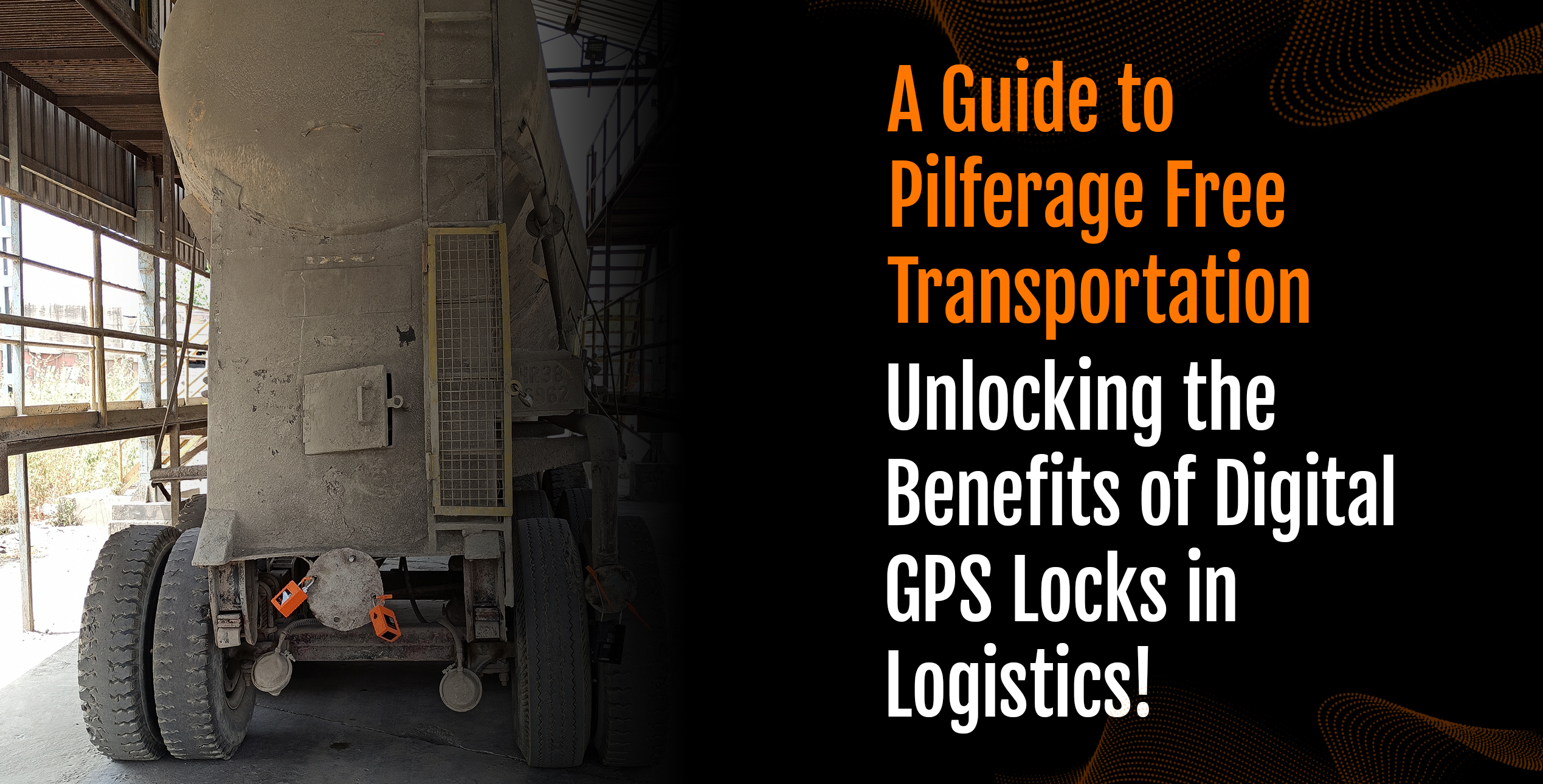
A connected locking system like Lynkit’s GPS smart locks lets you:
- Lock or unlock cargo remotely
- Get an alert the moment a lock is tampered with
- Keep a timestamped record of every open and close event
- See exactly where the asset was when a security event happened
- Cut the window for unauthorized access, not just detect it after the fact
For companies moving valuable cargo over long distances, pairing GPS with a connected lock gets you both visibility and physical security,instead of choosing one.
Check whether it integrates with what you already run
A tracking system that lives in its own silo is a system your team will eventually stop checking. It needs to talk to the tools your operations already depend on.
Integration with a Transport management software lets you track shipments in real time, plan routes, manage dispatch, and monitor delivery performance from departure to final mile, in the same place you’re already planning trips.
Connecting GPS data with a WMS/YMS, like Lynkit’s Lynkgrid, means your warehouse team can plan vehicle arrivals, loading schedules, and inbound or outbound activity around real arrival times instead of estimates.
Another aspect to monitor is your fleet and driver behaviour. Pairing GPS with AI-based driver monitoring like Lynkit’s ADAS/DMS cameras and Lynkit’s AI Cargo Camera gives you real time visibility into your drivers behaviour flagging any unauthorised activities like cabin smoking, drowsiness etc through an instant alert.
The point isn’t collecting more data. It’s not having to log into four systems to answer one question.
Make sure it can grow with you
A platform that works for 20 vehicles today should still work when you’re running 200. Before you commit, check that it handles:
- Multiple locations
- A growing vehicle or asset count
- Multiple users and teams with role-based access
- Cloud access
- Large volumes of tracking data without slowing down
Choosing a platform that scales now is cheaper than a forced migration in eighteen months.
Look for automation that flags what needs attention
A basic tracker tells you where a vehicle is. A useful one tells you what to look at.
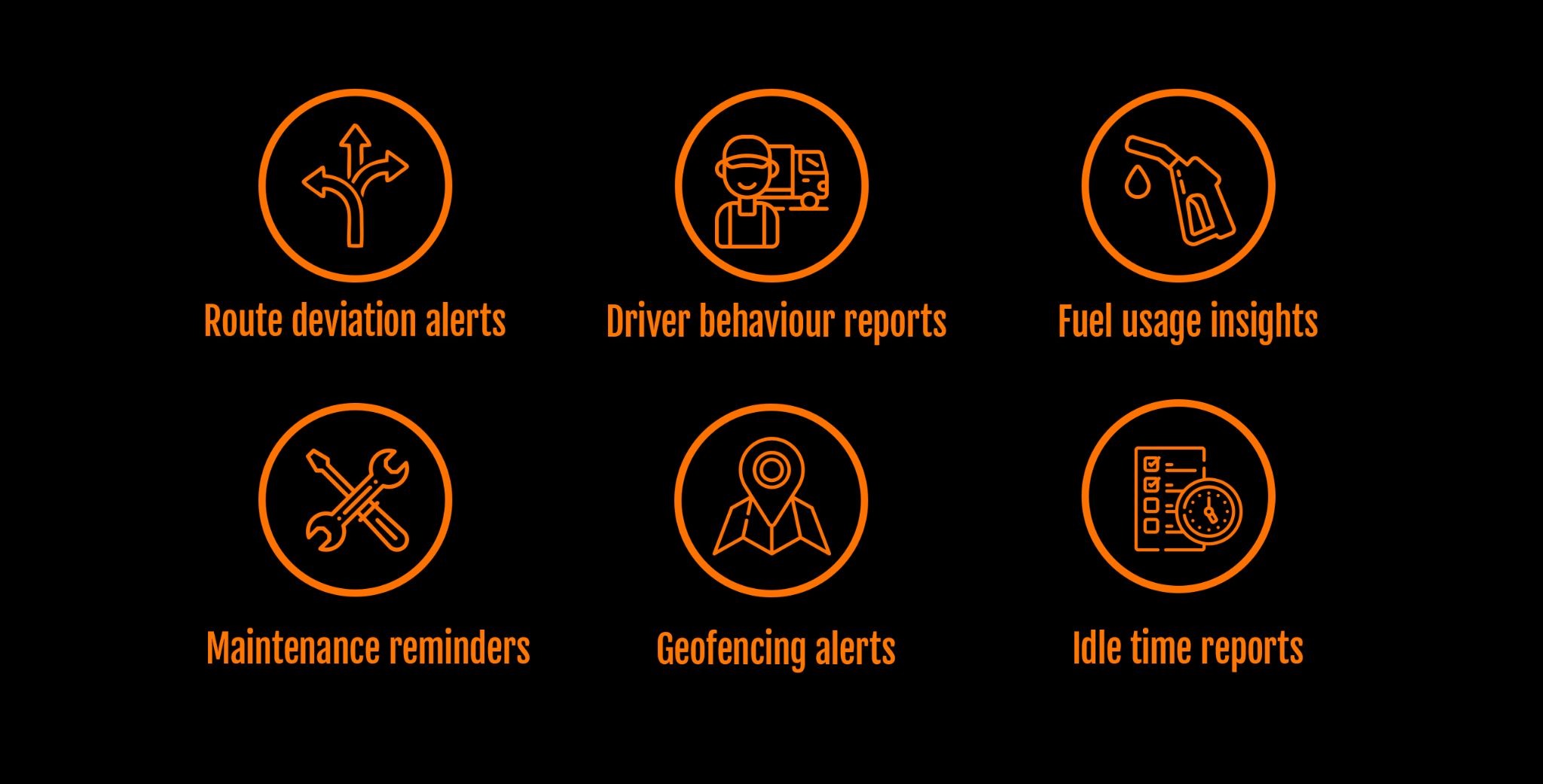
- Route deviation alerts
- Driver behaviour reports
- Fuel usage insights
- Maintenance reminders
- Geofencing alerts
- Idle time reports
- Exception-based reporting, so your managers see the 5% that’s wrong, not the 95% that’s fine
Ask to see the reporting before you sign anything
A dashboard is only as good as the report it can generate in ten seconds. Ask to see real reporting on vehicle utilisation, trip history, driver performance, fuel efficiency, idle time, route deviations, and delivery performance, before you buy, not after.
Questions worth asking any GPS tracking provider
- Can this integrate with our TMS, WMS or does it require middleware?
- Can we build our own geofences and alerts, or are we stuck with presets?
- Is there mobile access for field teams?
- How is tracking data stored, and who can access it?
- What’s included in onboarding, and what does support look like after go-live?
- Can it scale as our fleet grows, without a re-platforming project?
Answers to these will tell you more about a platform than any feature list will.
The Bottom line
The right GPS tracking system gives you accurate visibility, useful alerts, real reporting, and integration with the systems you already run. If you’re moving valuable cargo, smart lock compatibility isn’t optional, it’s the difference between knowing where something is and knowing it’s still secure.
Don’t choose based on price or feature count alone. Choose based on whether it solves the problem you actually have, i.e, visibility, security, coordination between transport and warehouse, or all three. Lynkit’s platform was built to cover that ground without forcing you to stitch together separate tools for tracking, security, TMS, and WMS.
Frequently asked questions
- How long does it take to get a GPS tracking system up and running?
Hardware installation on a mid-sized fleet typically takes a few days to a couple of weeks depending on vehicle count and access. Software onboarding and dashboard setup can run in parallel, so most operators are seeing live data within the first week.
- Does AIS-140 / AIS-188 compliance require anything beyond basic GPS tracking?
Yes, these mandates specify approved device types, panic button integration in some vehicle categories, and data transmission to designated command centres. It’s worth confirming your vendor’s hardware is certified against the current standard rather than assuming any GPS device qualifies.
- Is our tracking and cargo data secure and compliant with Indian data protection requirements?
Ask specifically how data is encrypted in transit and at rest, who can access it, and how the vendor handles compliance with the Digital Personal Data Protection (DPDP) Act, this is a reasonable question to put to any provider, not just Lynkit.
- Do we need to replace our existing TMS or WMS to use this?
No, a well-integrated GPS tracking system should connect with what you’re already running rather than requiring a rip-and-replace. Confirm integration approach (API, middleware, or native connector) before you sign.